How Amazing Secret Santa Works

TL;DR: Amazing Secret Santa draws names in three steps: add every participant's name and email, set exclusions for people who should not be matched, then draw. Everyone gets an email with their match and a private anonymous chat link, and nobody, not even the organizer, sees the full list. It is free and needs no account. New to Secret Santa? Start with what Secret Santa is and how it works. You can also add the budget, the exchange date and a message for the group, and they'll appear in every email.
Organizing a Secret Santa event can be a delightful way to bring joy and excitement to any group during the holiday season. Whether it's for family, friends, or colleagues, our Amazing Secret Santa guide will help you set up and manage the event smoothly.
In this blog post, we'll walk you through the three essential steps to ensure your Secret Santa event is a success: managing participants, setting exclusions, and drawing pairs.
By the end of this post, you'll have a clear understanding of how to organize your Secret Santa event, and you'll be ready to spread holiday cheer with confidence. Let's get started! 🎉
Step 1: Manage Participants
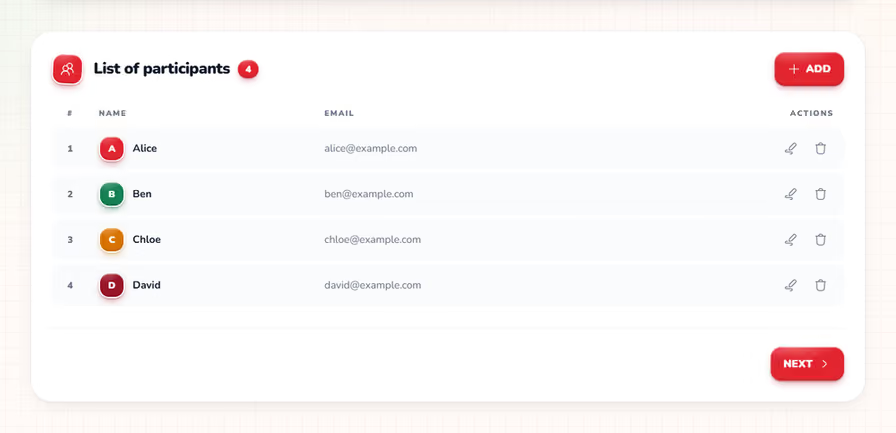
The first step in organizing your Secret Santa event is to manage the list of participants. This involves adding, editing, and deleting participants to ensure everyone who wants to join is included.
Adding Participants
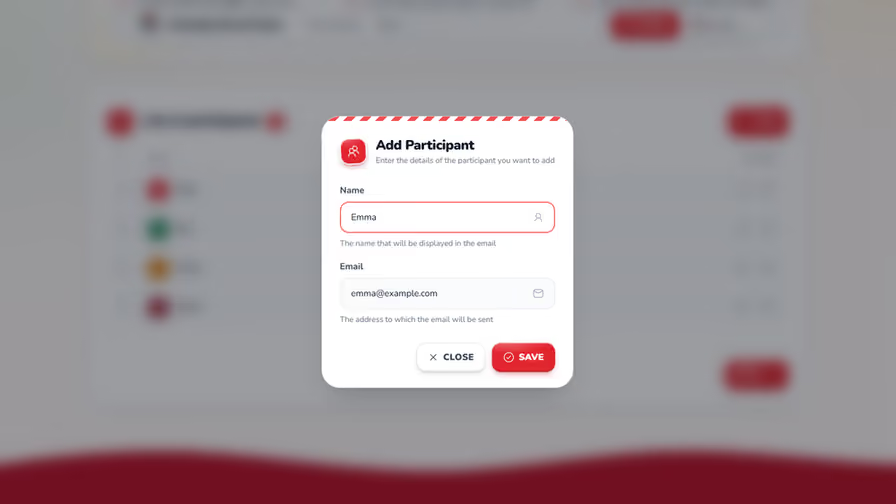
To add a participant, simply open the participant modal and enter their name and email address. This information is used to email them their match once the pairs are drawn. ✉️
Editing Participants
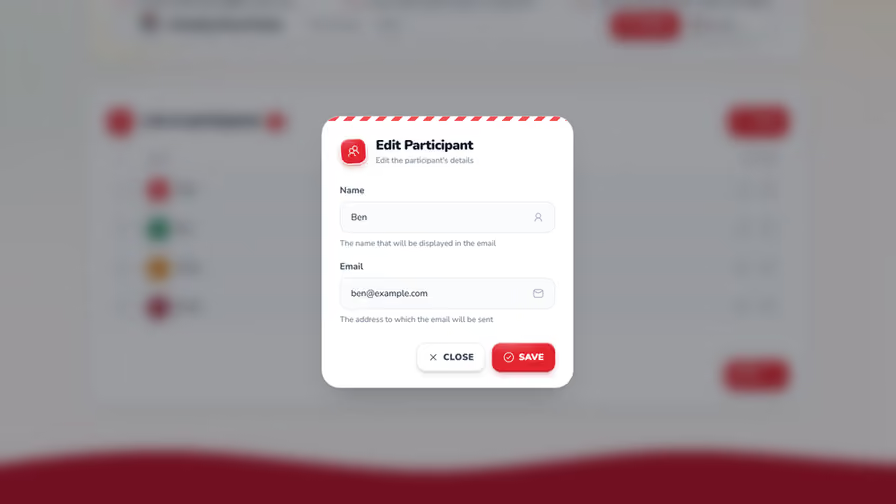
If you need to update a participant's information, you can easily edit their details by selecting the participant from the list and making the necessary changes. ✏️
Deleting Participants
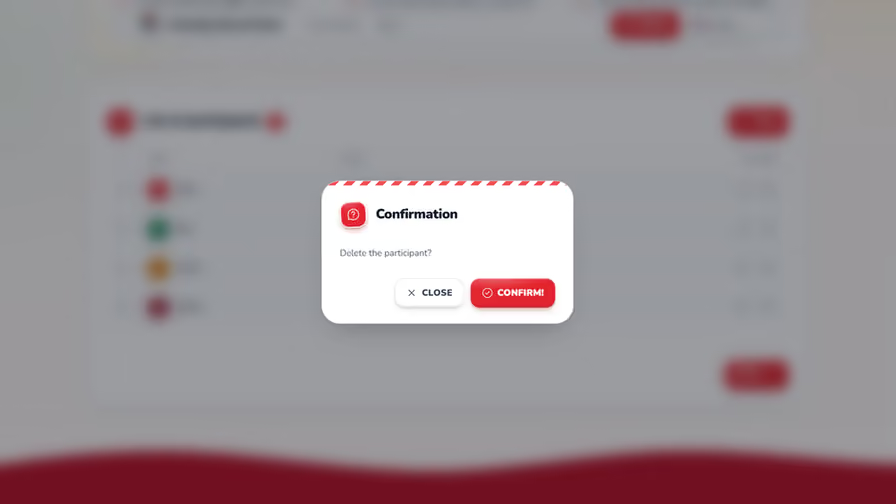
In case someone decides to opt out of the event, you can remove them from the participant list by selecting the delete option. 🗑️
Step 2: Set Exclusions
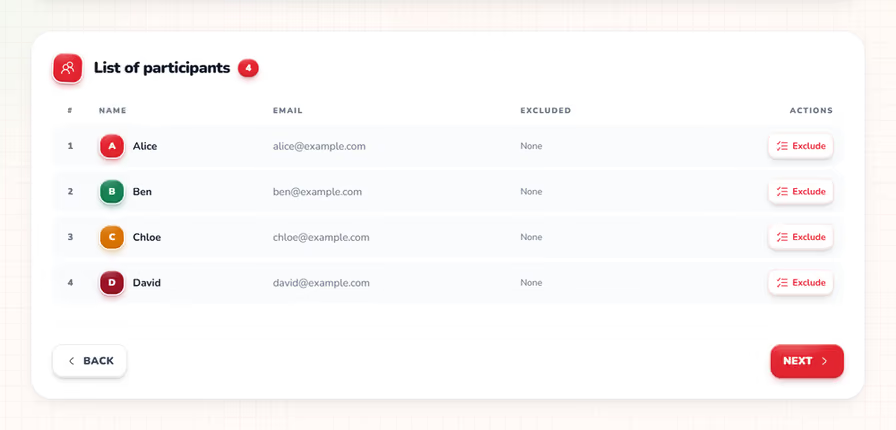
The second step is to set exclusions, which allows you to specify which participants should not be matched with each other. This is particularly useful for avoiding awkward pairings, such as spouses or close family members. 🚫
Opening the Exclusion Dialog
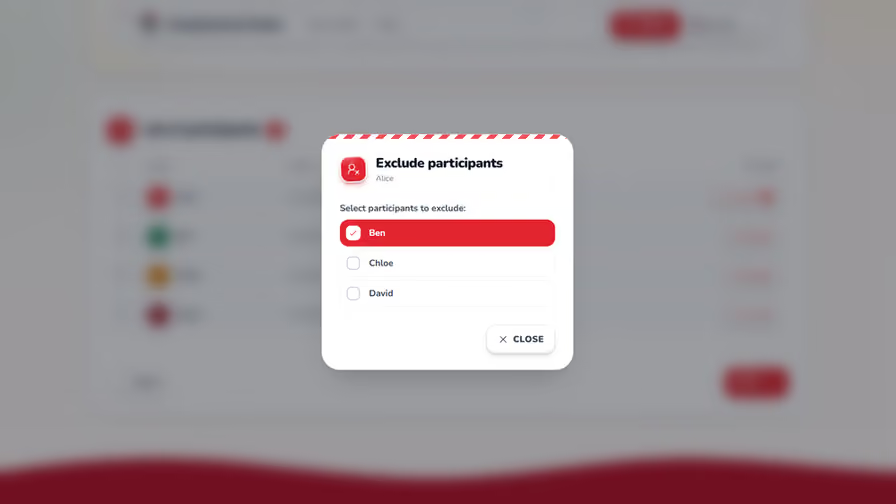
To set exclusions, open the exclusion dialog for a specific participant and select the individuals they should not be paired with. This ensures that the draw process respects these preferences. ⚙️
Reviewing Exclusions
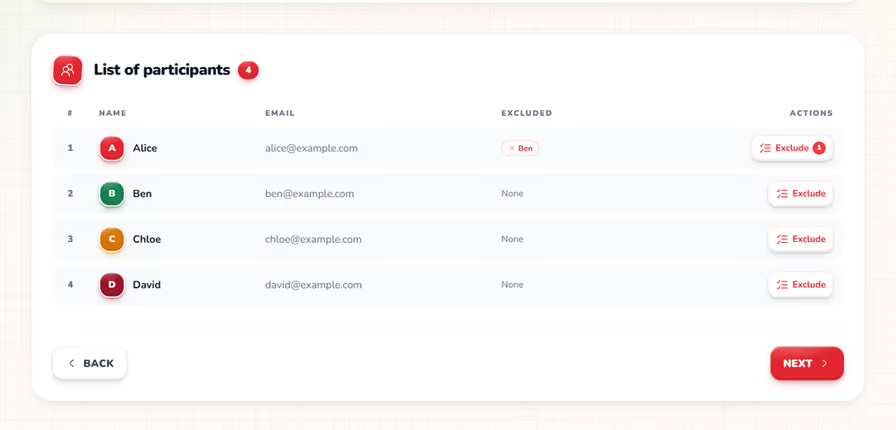
Exclusions are saved as soon as you tick them, so you can simply close the dialog. The participant list then shows who each person can't draw, and a small counter on the Exclude button tells you how many exclusions are set. 😊
Step 3: Draw Pairs
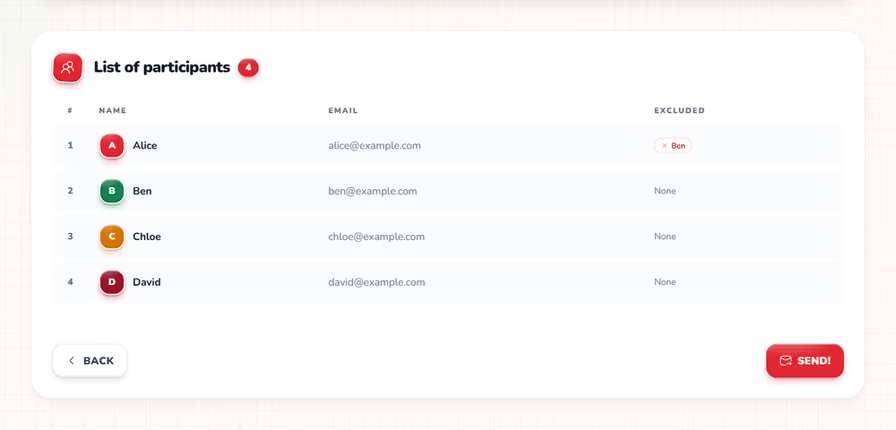
The final step is to draw the pairs, which involves randomly matching participants while respecting the exclusions set in the previous step. 🎁
Adding the Event Details
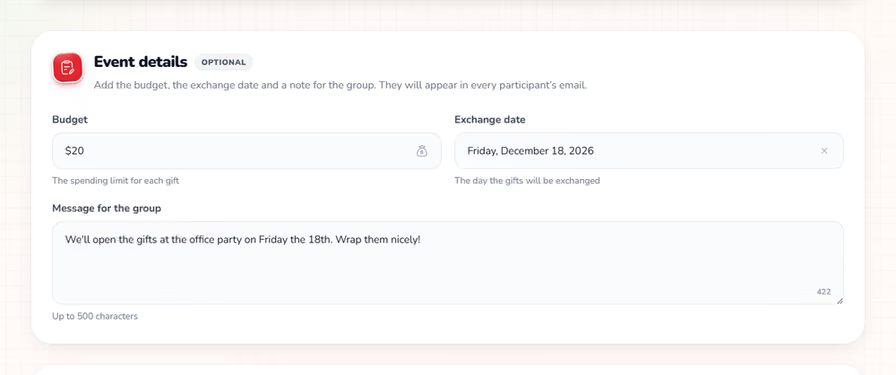
Above the participant summary, the Event details card lets you add the budget, the exchange date and a message for the group. Every field is optional, and whatever you fill in appears in every participant's email, so nobody has to search the group chat for the rules. 📝
Pick the exchange date from the calendar, and use the message for anything else people need to know, like the place of the exchange or a gift theme. The details are saved with your participant list, so they're still there if you reload the page.
Confirming the Draw
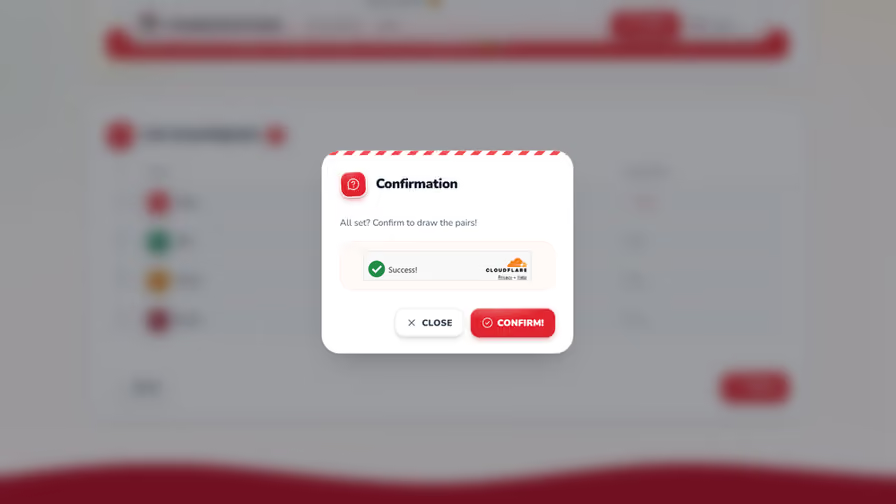
Before initiating the draw, you'll be prompted to confirm the process. This step ensures that all participants and exclusions are correctly set. ✅
Drawing the Pairs
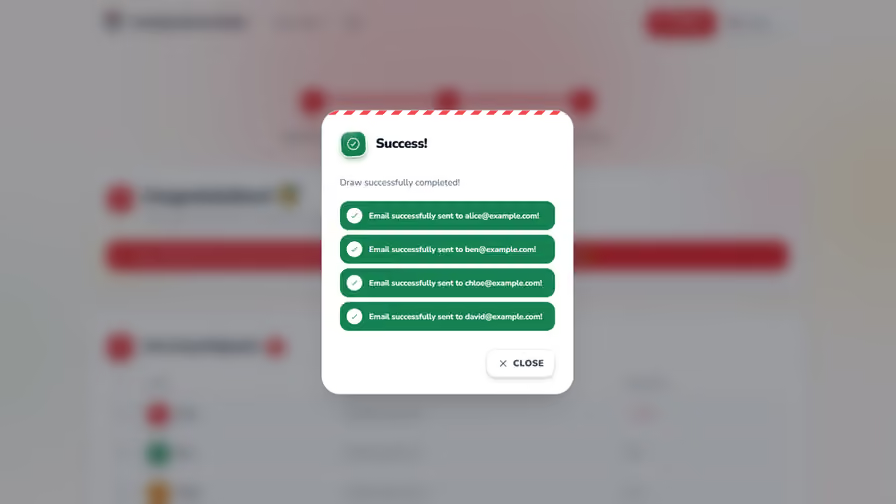
Once confirmed, the system will randomly pair participants, ensuring that no one is matched with someone they are excluded from. The pairs will be finalized, and notifications will be sent to each participant with the details of their Secret Santa match. 🎅
Reviewing the Results
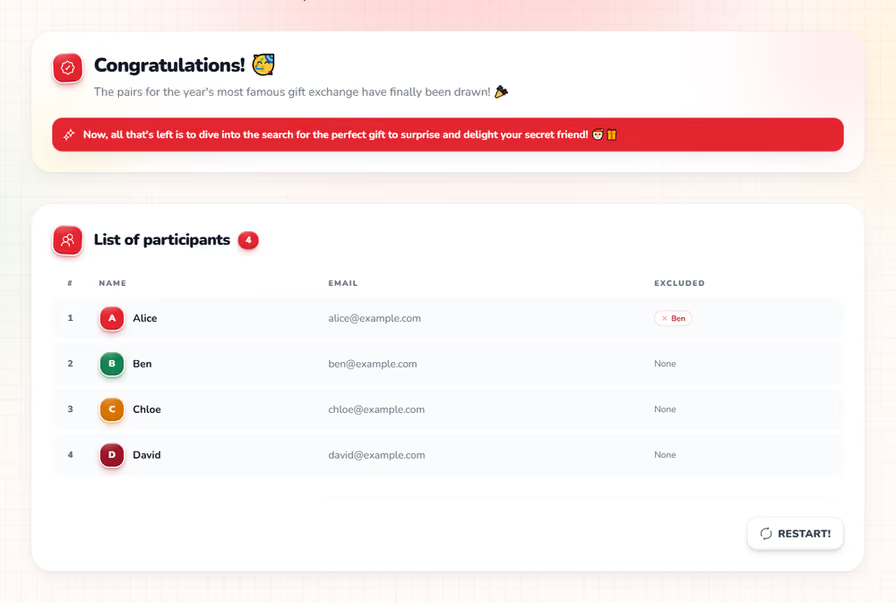
After the draw, you'll see whether every email was delivered, while the pairs themselves stay secret, even from you! 👀
Ready to Draw Your Secret Santa?
That's all it takes: add participants, set exclusions, and draw. The whole process usually takes less than five minutes, even for a group of 30.
Before you draw, agree on the rules with your group. Our budget guide helps you set a fair spending limit, and how to organize the perfect Secret Santa covers timelines and etiquette. Still weighing your options? See Secret Santa app vs spreadsheet.
Want the full walkthrough, with tips and fixes for common problems? Read how to draw names for Secret Santa online. When everyone is in, start your free draw.
Happy Gifting!
Frequently Asked Questions
5Yes. Amazing Secret Santa is completely free, with no ads and no premium features. The organizer adds the participants and draws, and nobody needs to create an account.
A draw needs at least 3 participants and supports up to 30. That covers most families, friend groups and teams. For a larger company, split people into smaller groups, for example by department.
Yes. In the exclusions step, choose for each participant who they must not draw, such as a partner, roommate or manager. The draw only produces valid pairings that respect every exclusion.
No. Each participant only receives their own match by email, so the organizer can take part in the exchange and still be surprised.
No. Participants only need an email address. Each person receives an email with their match and a private link to the anonymous chat, which works in any browser, on phone or computer, with nothing to install.

Author
Bruma